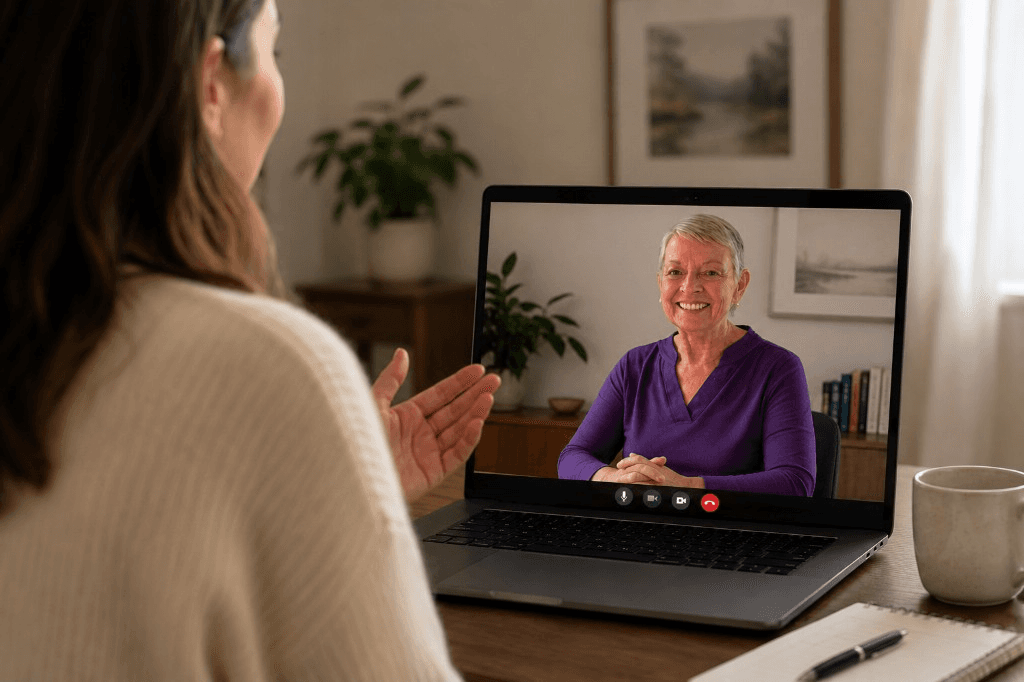
Client Instructions for a Successful Telehealth Visit
Telehealth is a way to receive care while you remain at home. It can help keep you and your family safe by staying at home to receive your services. The goal is to ensure that you receive the same high-quality care that you would get by coming in for a visit. By taking a few minutes to prepare, you can set yourself up for a successful visit.
Client Checklist
Here is a quick checklist to make sure you are prepared for your telehealth visit.
Preparation
Use the best camera you can find
Telehealth visits work best when you can be seen clearly. Many devices and computers now come with high-quality built-in cameras. If your device has an external camera, you can test the picture by doing a video call with a friend or family member.
Place your camera at eye level
Sit eye-level with your camera so you can make eye contact with your counselor. This helps you see each other more clearly and have a better connection during your visit.
Test the sound
Most devices have a built-in microphone and speaker system. You can test yours by watching a video with sound or having a video chat with a friend.
- Can the other person hear you?
- Do you need to talk louder or move closer to the microphone?
- Can you hear them?
Plug in your device for power and Internet
Your time is valuable. You don't want to lose your connection during your visit, so ensure your device is fully charged or plugged in. You can do your telehealth visit using Wi-Fi, but your computer will work better if it's plugged directly into the internet with a wired ethernet cable. If you're on a smartphone, try connecting to your home's Wi-Fi for the best connection.
Close other apps
Having too many apps running on your computer or device can make your device run slowly. Before starting the visit, close all programs that you aren't using during the visit.
Use the best browser
If you're using an online app, check if you need to run it in a certain browser. For instance, you may need to use Chrome instead of Internet Explorer.
Find a quiet space
Find a quiet space where you will not be interrupted. It is important that you feel comfortable and have privacy to discuss your concerns, so you are less likely to be distracted during the visit.
Adjust the lighting
Before you begin your visit, check the lighting. Is the picture fuzzy and dark? Try turning on overhead lights or closing blinds and drapes to reduce background light.
Prepare your list of questions and concerns
Take a minute or two before starting the visit to write down any questions or concerns you may have.
During the Visit
Connect to the visit
You will receive a call or a Zoom link (depending on the visit format you have chosen) at your appointed time.
How to act
Act like you would if you were at an in-person visit. Make sure you're looking into the camera and staying close to your device so you can be seen and heard.
Pat yourself on the back!
Make sure to ask any follow-up questions and share any feedback you have.